Create
Visual Styles
Choose a reusable visual direction for your images, from cinematic lighting to an illustrated look.
Open VisualApp sidebar → Visual
Choose a style
Go to
- Sidebar
- Visual
Browse the built-in styles or your saved custom styles. Choose a look that matches the mood, colors, and texture you want.
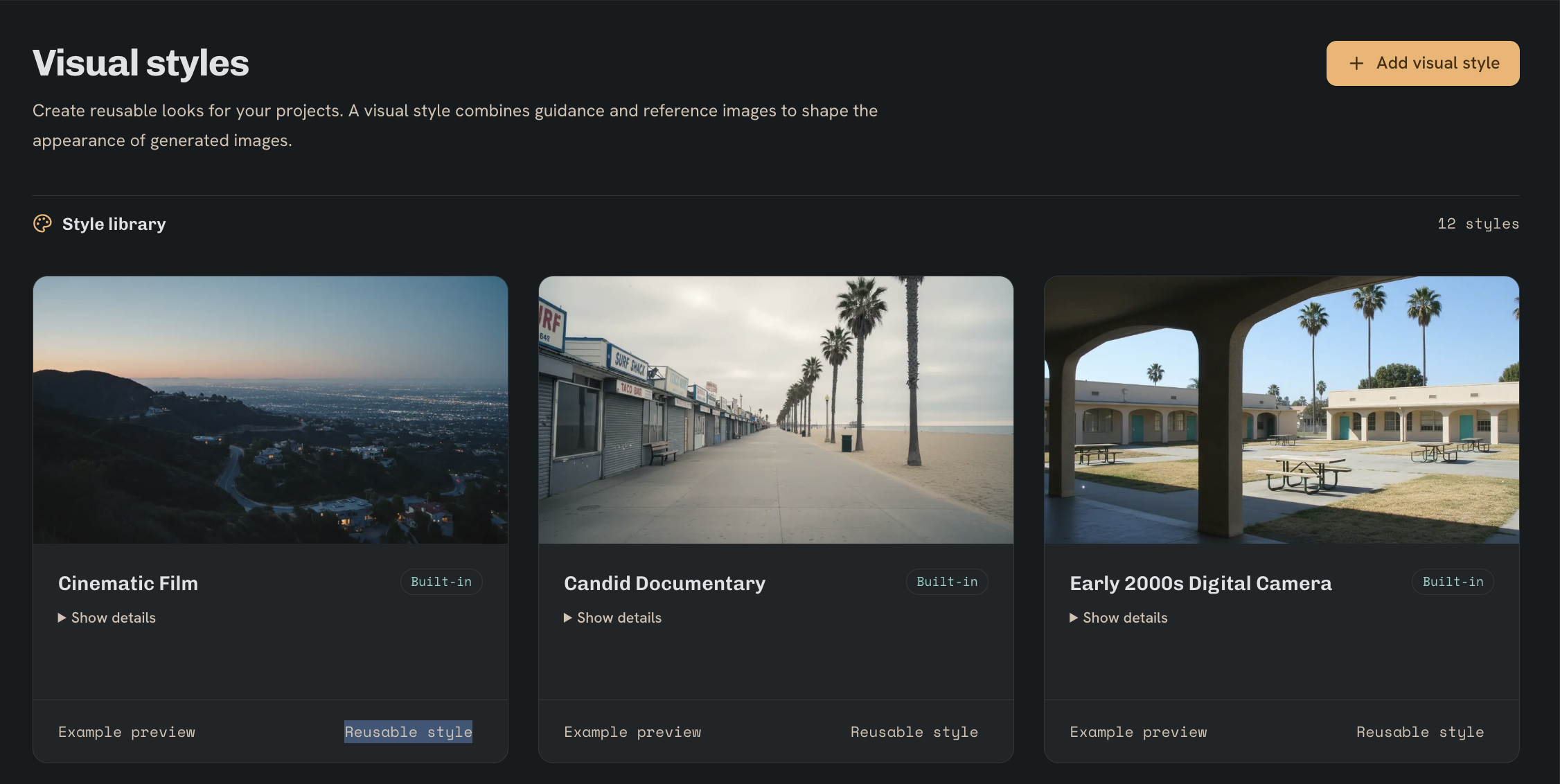
Built-in visual styles
These presets are available to everyone. Open Visual to compare their previews.
- Cinematic Film — Warm highlights, cool shadows, and fine 35 mm film grain.
- Candid Documentary — Available light, natural textures, and true-to-life colors.
- Early 2000s Digital Camera — Compact-camera snapshots with bright highlights and slightly soft detail.
- Anime — Tapered ink lines, flat colors, and crisp cel shading.
- Editorial Fashion — Directional light with deep blacks and sharply defined fabric textures.
- Product Studio — Clean studio light, controlled reflections, and accurate material colors.
- 3D Animation — Rounded forms with soft contact shadows and gentle bounce light.
- Music Video — Deep blue shadows, magenta edges, and glowing highlights.
- Graphic Novel — Bold ink contours, solid black shadows, and sparse halftone dots.
- Watercolor Storybook — Transparent washes and feathered edges on textured paper.
- 1970s Retro — Honey highlights, olive greens, and visible analog grain.
- 1990s VHS — Soft detail, color bleed, and faint tape tracking streaks.
Additional presets in Images and Projects
The Images preset picker and each project’s Style page also include these looks.
- Pencil drawing — Graphite lines and layered hatching on off-white paper.
- Cartoon — Rounded outlines, bold flat colors, and simple shadows.
- Photorealistic — Natural proportions, realistic reflections, and fine surface detail.
Create a custom style
Create a style with a recognizable name. Add visual guidance, reference images, or both, then save it for reuse.
Example visual guidance
Early-2000s everyday photography. Soft natural light, muted colors, subtle film grain, and candid framing. Avoid glossy fashion lighting.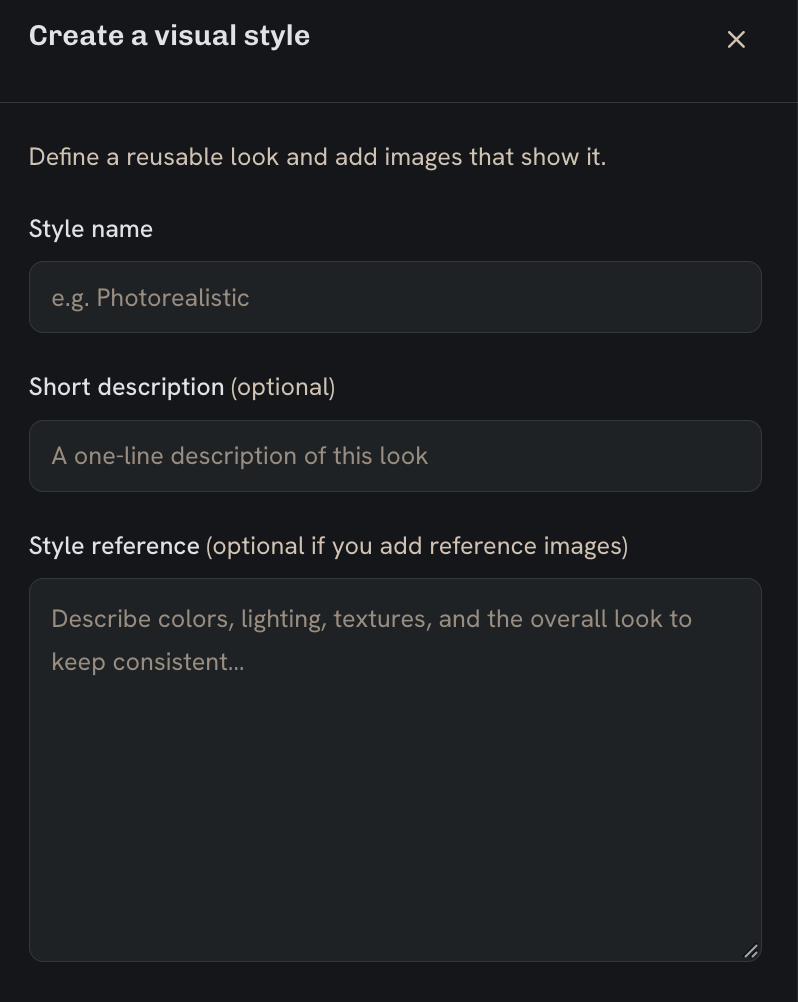
Use a style in your images
Go to
- Images
- Visual style preset
Select your saved style while generating an image. Within a project, use the Style page to set its visual direction.
Keep the style stable while you refine the subject and composition. Use character and setting references to guide their appearance.