Create
Your Reference Library
Build a reusable collection of images for your characters, places, and visual inspiration.
Open Reference LibraryApp sidebar → Reference Library
Store your visual references
Go to
- Sidebar
- Reference Library
Store uploaded and generated images here to use directly as visual references. Find them with search, tags, and sorting.
- PNG
- JPEG
- WebP
- Up to 10 MB per image
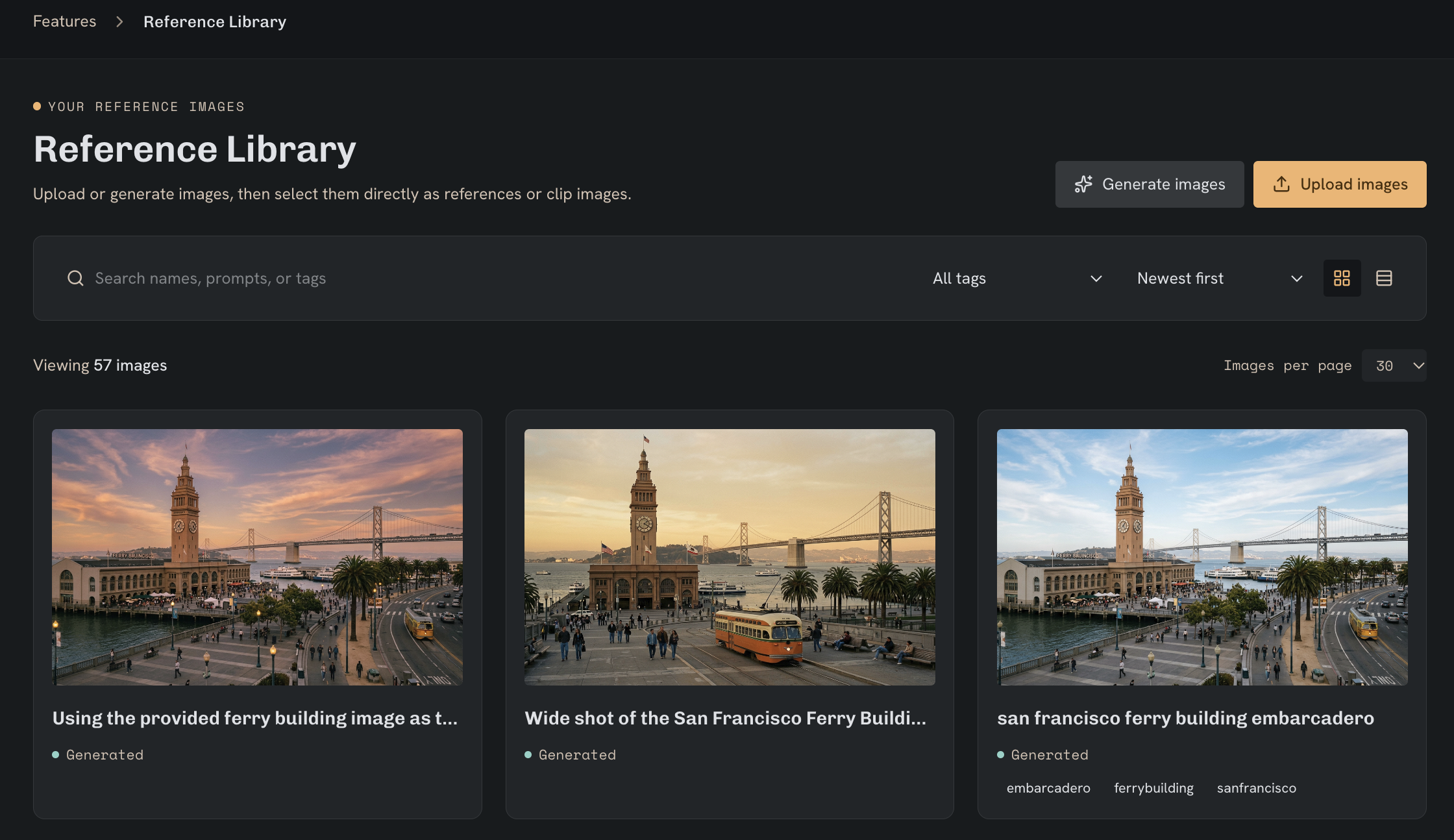
Make references easy to find
Name images by subject, view, and version. Use consistent tags for each character or location.
- Character
character_aria_sideprofile_01- Setting
setting_mall_foodcourt_01- Tags
aria, character, side-profile
- Keep the same subject name across related images.
- Choose a few clear references instead of many conflicting ones.
- Check generated images before reusing them.
Use a reference
Go to
- Images
- Reference images
Open the saved-image selector, choose your references, and check the active selection limit.
| Input | Use it to |
|---|---|
| Reference image | Guide a character’s appearance or a setting. |
| Start image | Guide the beginning of a video, when supported. |
| End image | Guide the ending of a video, when supported. |
TAKEZERO / WORKSPACE
Select an image as a referenceScreenshot coming soon
Sharing and cleanup
To remove a stored file, use the library or media controls. Removing a timeline clip alone does not delete the file.
Privacy PolicyNext step
Generate an image with your references, or use a start image to create a video.